Offline features!!!
Weak signal and dropped data connections were what bothered our users most out in the field. Tracks are now recorded without a signal and grounds can be downloaded onto the phone.
Written by David C. HájíčekManaging director, HUNTERRA
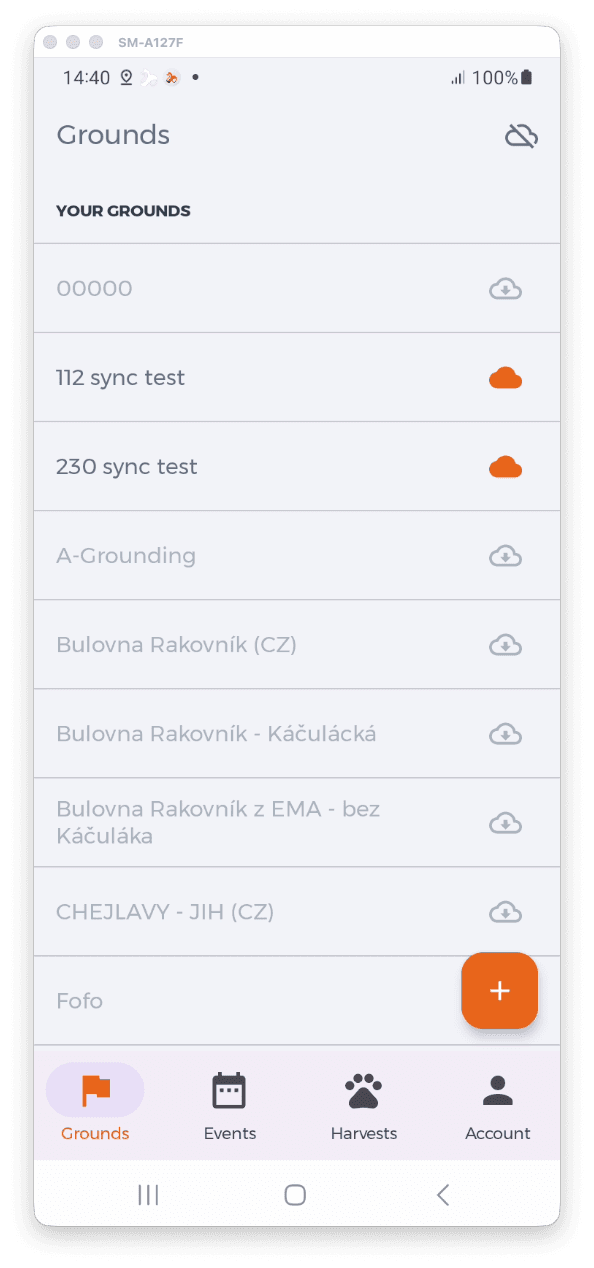
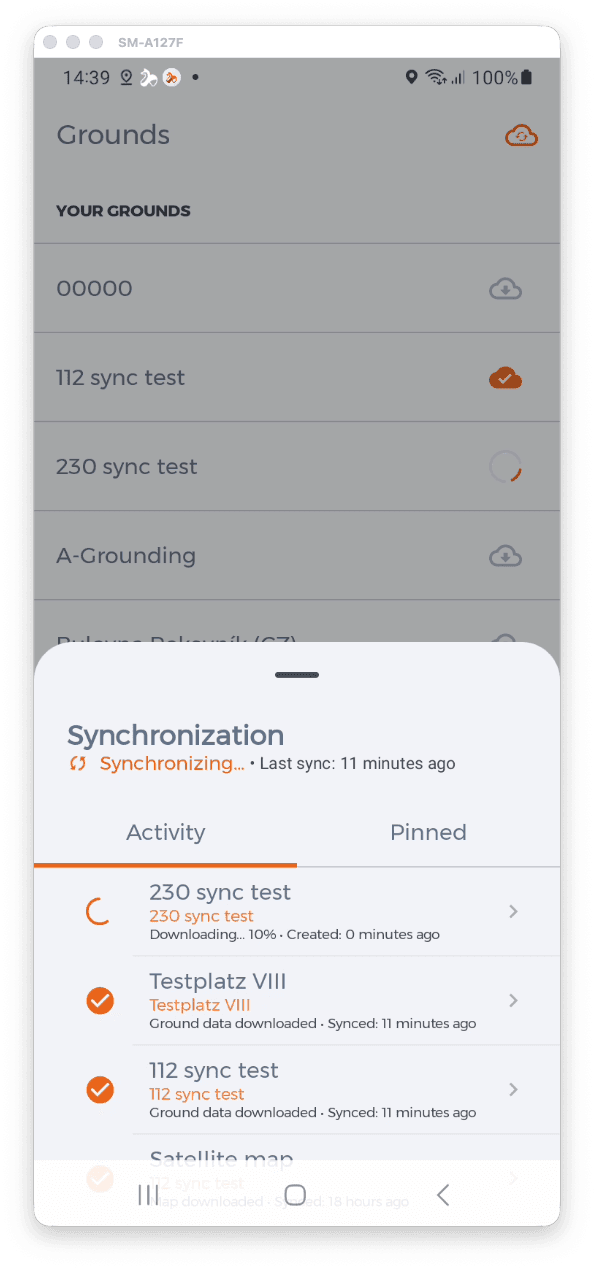
HUNTERRA now stores tracks locally, so they are recorded even outside data coverage and sync by themselves once the phone is back on signal. Selected hunting grounds can be downloaded into the phone's memory together with the base map; grounds not marked for syncing are not available offline. An icon in the top right corner shows the connection state, the progress of syncing and any errors. Android only for now.
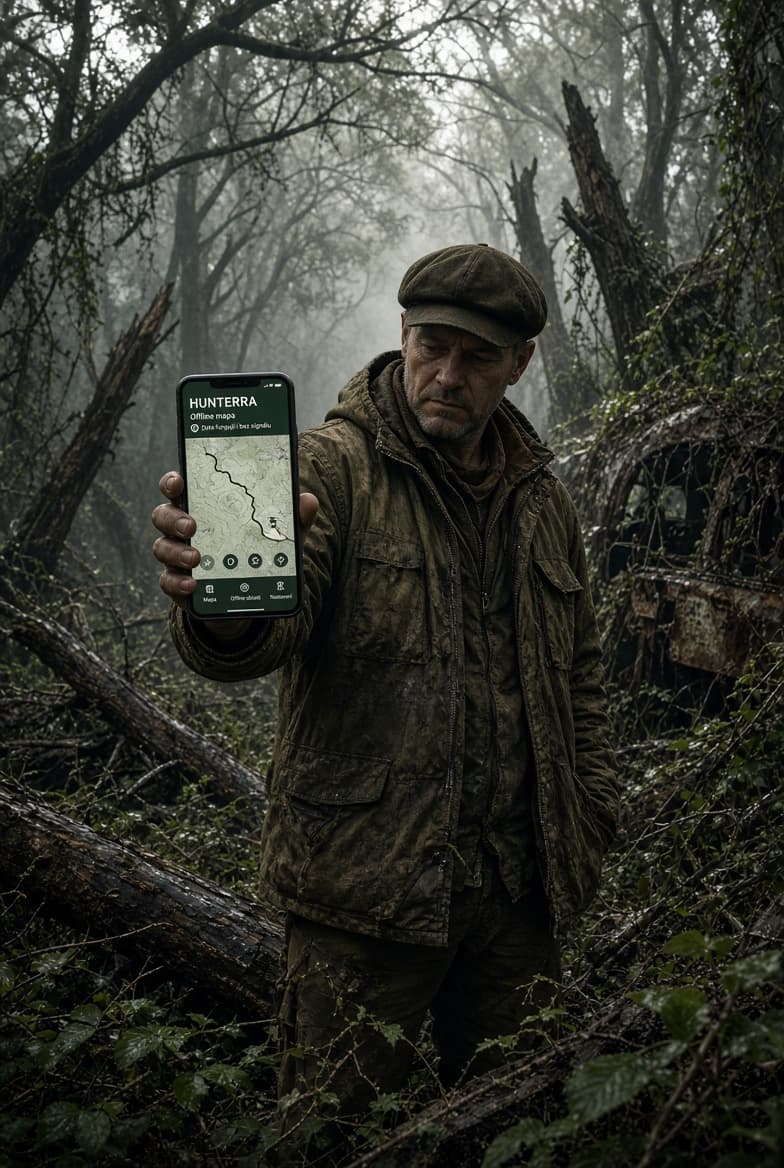
What bothered our users most when using HUNTERRA out in the field? Weak GSM coverage and dropped data connections. That is over! We did not buy shares in Deutsche Telekom, nor did we build our own network of Chinese base stations, but we have made the offline features a great deal stronger.
Offline first for tracks
Everyone can now look forward not only to new track colours, which make it easy to tell apart not just the dogs but also their handlers. The real change is in the new way tracks are stored and shared. They are now resilient to drops in the data network. If you move outside data coverage, tracks keep being recorded locally, and the moment you are back on signal, everything syncs.
Syncing data in hunting grounds
The important change is in how data in hunting grounds is handled. For Android users only so far — we will learn on them before we show iOS people a polished solution. But seriously: the reason we put Android users first is simpler than that. Our major partner, the Czech state forestry Lesy ČR, uses Android in the vast majority of cases. And since they have been using the mobile app for a long time, we wanted to accommodate them.
How does it work?
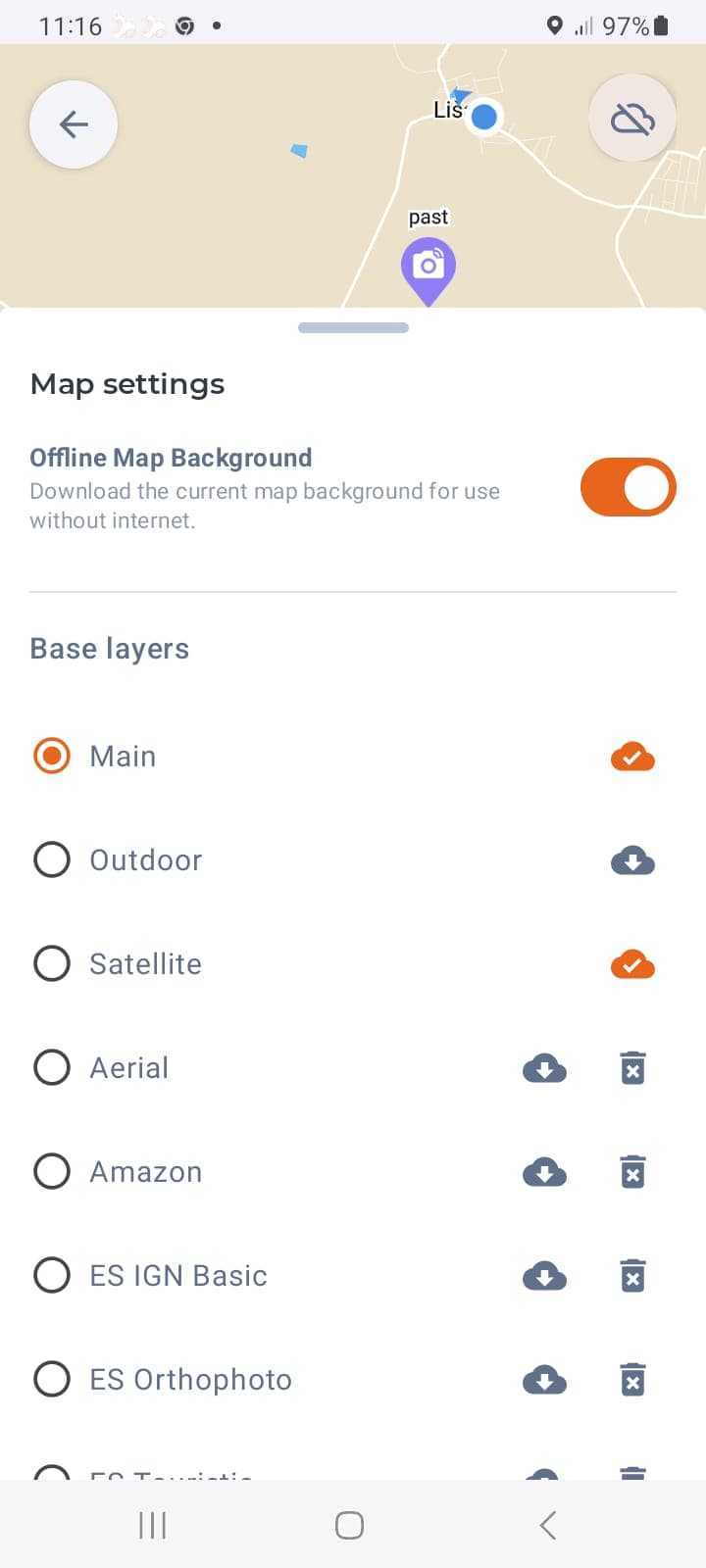
In the list of hunting grounds you simply mark the ones you want to use offline. The data of those grounds is downloaded into the phone's memory, together with the base map. Further maps can be downloaded for offline use manually, as before.
Both base and overlay maps can be downloaded. In a new installation these are the basic ones only (3 base + 2 overlay). You can, however, add your own map sources — from Seznam.cz, for instance.
Grounds that are not marked for syncing are not available offline. That way we avoid users expecting data to be synced when it will not be.
Connection and sync status
A new icon has appeared in the top right corner of the screen. It signals the state of the connection and the progress of syncing. At a glance you can tell what state your data is in.
Sync errors
Syncing can run into errors — for example when you assign a seal offline that the ground manager has meanwhile used on another animal. Or when somebody made a conflicting change. These errors, and the sync log along with them, are easy to display by tapping the connection status icon in the top right corner of the screen.