

Points of interest
Feeders, hides, wallows and burrows — every one of them in its place on the map, shared with the whole ground.
What is where in the ground is not something to keep in your head.
A point of interest is anything in the ground that has a fixed place: a feeder, a hay rack, a high seat, a wallow, a barrier or a meeting point. The app offers 38 predefined types in 5 groups, so a point is not just a pin — it carries its kind, name, note and photos, and every member of the ground sees it.
38 types, not a generic pin
A hay rack, a salt stone, a watering place, a burrow, a ford — each type has its own icon on the map, so at a glance you can tell a feeder from a hide without opening anything.
One record for the whole ground
A point added by one member is immediately in the map of the others. Nobody has to describe over the phone where the new feeder stands, and a guest finds the meeting point on their own.
Works without a signal too
Points are created offline and sync into the ground once you are back on signal. Photos and notes stay with them.
Adding a point of interest
Three steps, all of them in the map — you do not need a computer or a form on the web.
Choose “Points of interest” in the map
Long-press the map where the point belongs. A menu of actions opens — alongside catches, areas, paths and measurement you pick points of interest.
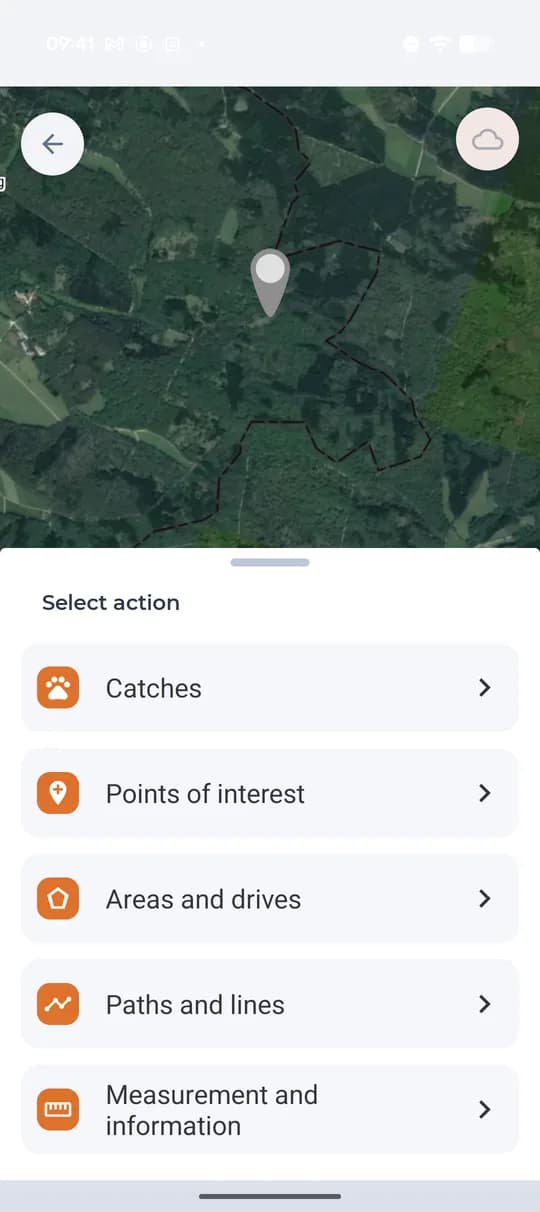
The action menu in the map: points of interest. Choose the type, name it and add photos
Pick the type from the list of 38 kinds, give the point a name and, if you want, a note — what condition it is in, what it is fed with. Photos are added from the camera or from the gallery.
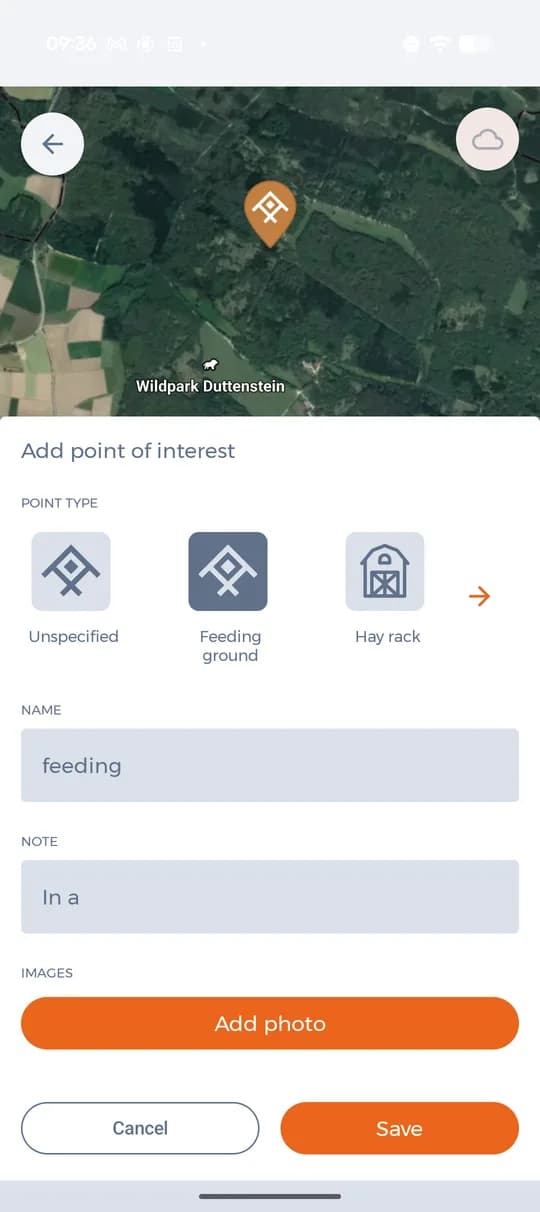
Type, name, note and photos of the point. Save it and the ground has it
The point appears in the map with the icon of its type and its name, and it syncs to the other members. Anyone can open it, read the note and look at the photos.
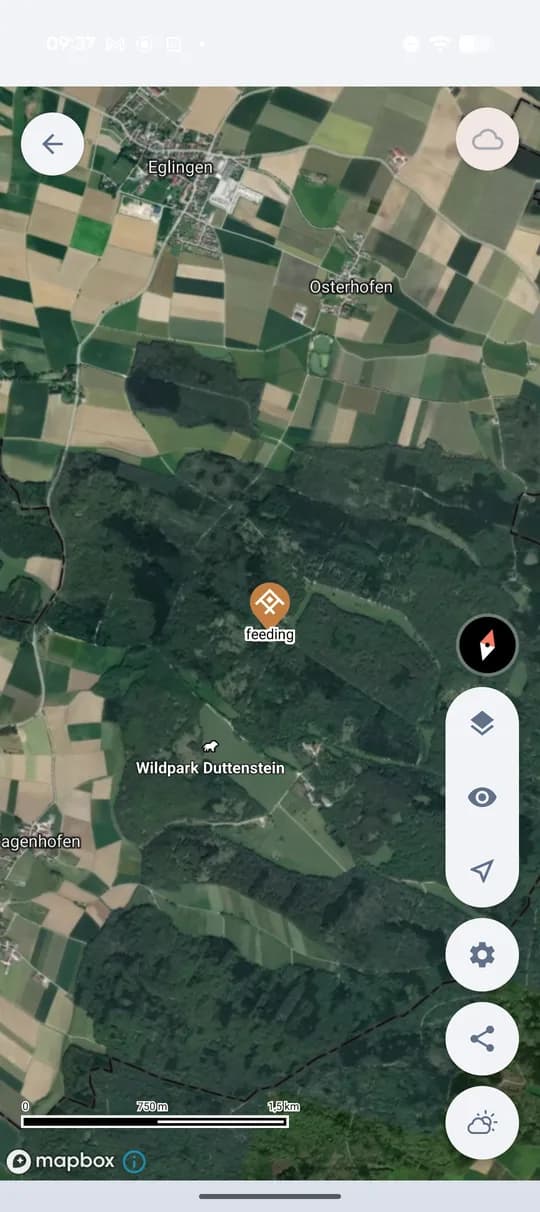
The saved point in the map of the ground.
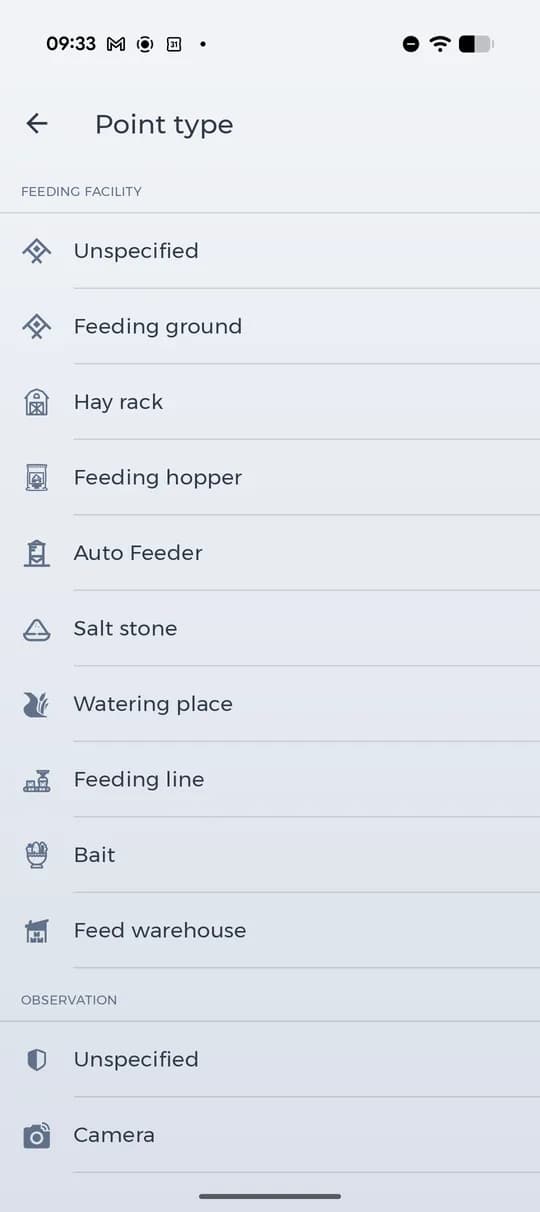
38 types in 5 groups
The list comes straight from the app. What you record most often — feeding facilities and signs of game — has the most types.
Feeding facility10
- Unspecified
- Feeding ground
- Hay rack
- Feeding hopper
- Auto Feeder
- Salt stone
- Watering place
- Feeding line
- Bait
- Feed warehouse
Observation9
- Unspecified
- Camera
- Wallow
- Burrow
- Artificial burrow
- Course
- Resting haunt
- Mating area
- Nesting area
Organization12
- Unspecified
- Hunting hut
- Meeting point
- Parking
- Bridge
- Ford
- Road barrier
- Dog handler
- Veterinary
- Drone pilot (with aircraft)
- Drone operator (without aircraft)
- Volunteer
Hunting position6
- Unspecified
- High seat
- Ladder seat
- Driven hunt seat
- Stand
- Trap
Miscellaneous1
- Direction arrow
Point types are the same in all languages of the app; the names here are the ones the app uses.
Coming soon: your own types
We are working on custom points of interest, so you will be able to create your own type with its own name and icon and record what your ground needs.
What Premium adds to points
You can add points of interest on every plan, including the free one. Premium decides how many photos a point can carry and how finely you can filter points in the map.
- Unlimited photos on points of interest (free plans have none)
- Filter points by type, time and author (other plans by type only)
- Unlimited ground maps, events and members
- Unlimited base maps and overlay layers
- Offline maps for use without a signal
- Connect your own trail camera
